Intelligent voice dictation rooted in Arabic · Beta

Your thoughts. In your voice.
Clearly written in your words.

Speak in Arabic dialects or English and watch your words transcribe in real time into precise, polished text across any desktop application — with 100% on-device privacy.

Windows, Ubuntu, Fedora & Universal Linux ready · Public Beta Edition

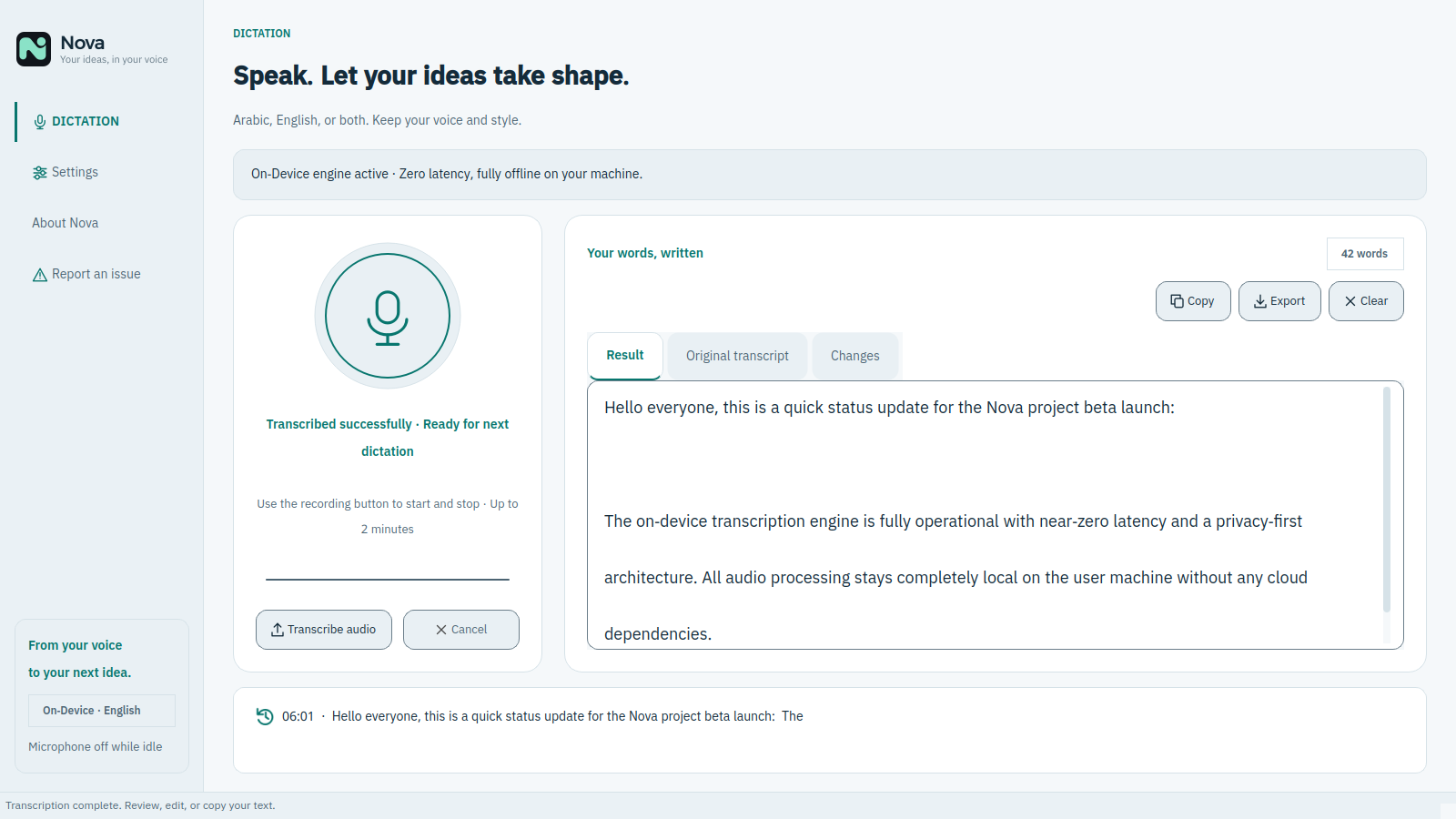
Inside Nova Arabic speech and text in a single workspace
Authentic Nova Beta interface: Live Arabic speech-to-text with real-time grammar and diacritics · 100% On-Device Processing

Write 3x faster, in your voice and dialect.

The same distraction-free workspace, whether you are dictating your first quick thought or refining a full document.

For daily writing

Turn what you say into ready text

Speak naturally in your dialect. The app understands the real context of your words while preserving your authentic voice and tone.

Quick emails Meeting notes Article drafts
Learn the first steps
For tasks and prompts

Structure your thoughts into clear prompts

Speak what you want from AI assistants and use smart drafting modes to transform rough speech into formatted instructions and actionable tasks.

Structured prompts Organized action items Executive summaries
Read the documentation

Engineered for speed and uncompromising privacy.

Verified benchmarks and architectural guarantees for local Arabic speech processing.

Feature Nova (Beta Edition) Standard Cloud Tools
Audio Privacy & Retention 100% On-Device · Zero audio stored on intermediate servers Audio stored on cloud servers and used for model training
Dialect Recognition Modern Standard Arabic + Egyptian, Gulf, Levantine, North African Limited dialect accuracy, frequent misrecognition
Automatic Diacritics & Grammar Real-time punctuation, hamza correction, and diacritic marks Raw unpunctuated text requiring manual editing
Response Latency Sub-second instantaneous local transcription Network round-trip latency and queue delays
App Integration Universal global shortcut pastes directly into any active app Isolated inside web browser or walled garden apps
Pricing & Licensing Free Public Beta with transparent BYOK model Expensive monthly subscription locks

Three Simple Steps. From Spoken Thought to Polished Text.

Lightweight, friction-free architecture. Speak freely in any window and let Nova handle the rest.

  1. Step 01

    Connect Your Key Once (BYOK)

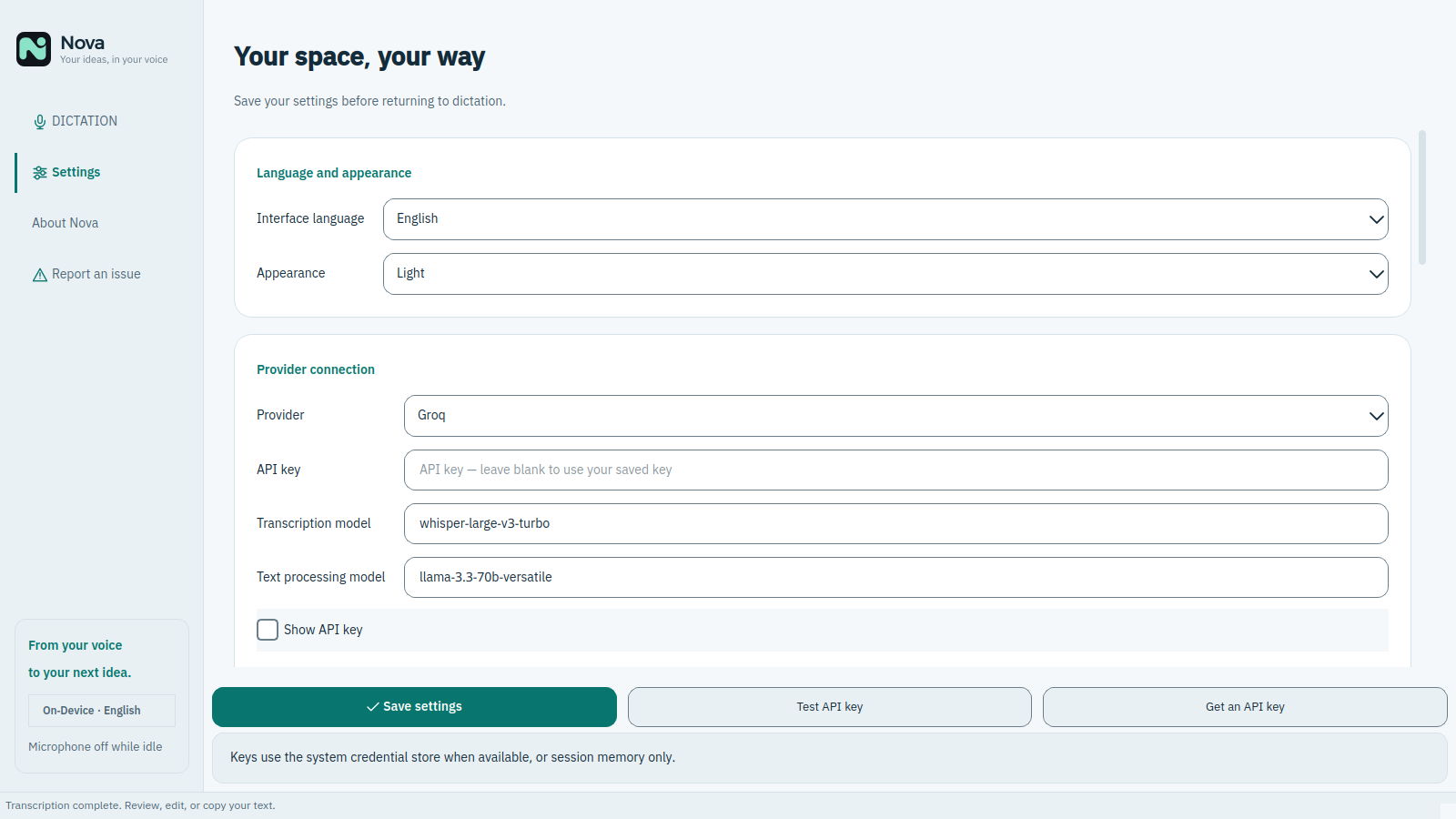
    Enter your private connection key (Groq, OpenAI, or Gemini) once. Stored encrypted in your OS secure keyring with zero middleman.

    sk-ant-•••••••••••• Locally Encrypted
  2. Step 02

    Press Shortcut & Speak Anywhere

    Trigger Nova with a global hotkey inside any active app (Word, browser, email). Speak naturally in Arabic dialects or English.

    Ctrl + Shift + Space
    System-Wide Active
  3. Step 03

    Get Polished Text Inserted Instantly

    Your speech is transcribed, punctuated, and grammatically corrected in sub-second time, pasting directly at your cursor.

    ✓ Polished & Punctuated Text Auto-Pasted ↵

Questions that deserve clear answers.

Choose the workflow that fits your day, and understand how the application operates before your first recording.

Does Nova store my voice recordings?

Never. The app does not save or store your voice on intermediate servers. Audio streams directly and encrypted using your own private key.

Does Nova support Arabic dialects?

Yes! Modern speech recognition easily understands everyday Arabic dialects, modern standard Arabic, and English with great fluidity.

Can I use Nova across all my daily applications?

You can insert text directly or copy it with a single click into Word, editors, email clients, and messaging apps.

How do I get my private connection key?

You can generate a connection key in minutes from your preferred AI speech provider and paste it into the app settings.

What are the desktop system requirements?

Nova runs smoothly on everyday PCs running Windows 10/11 or Linux. A dedicated GPU is not required; the engine is optimized for standard CPUs with minimal memory overhead.

What if I run into a problem?

This is a beta release. Send a report to the Nova team or check documentation for help. Report a problem

Download Nova and start speaking.

The application is free and lightweight. It connects securely using your private key on your device.